Automate Client Document Requests for Accounting Firms
Learn how accounting firms automate client document requests to cut follow-ups, collect complete files faster, and keep engagements moving on time.
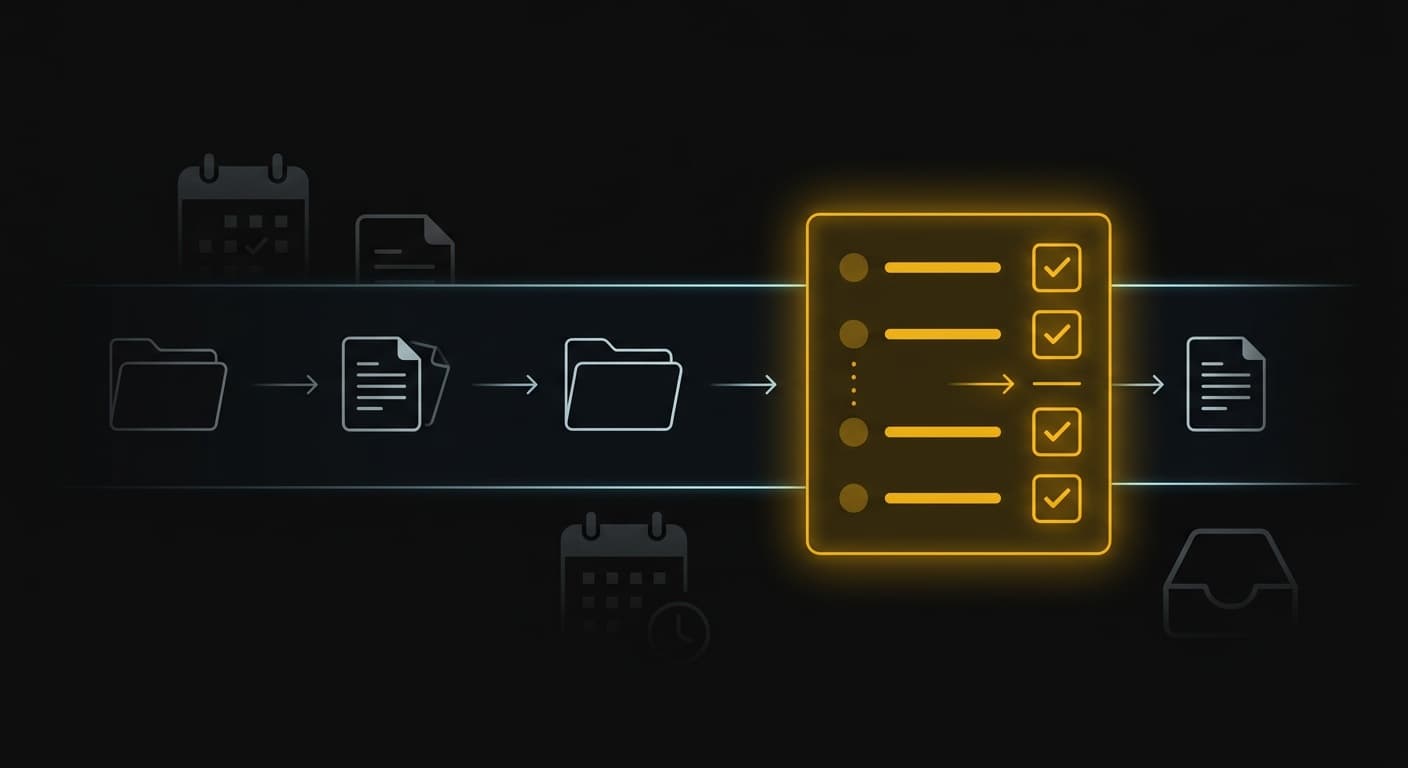
Automate Client Document Requests for Accounting Firms
If your team is stuck sending “just following up” emails, you are not alone. For many accounting and bookkeeping firms, the document request step is where work slows down, deadlines slip, and margins get squeezed.
This use case shows how an AI agent can run client document requests end-to-end: it asks for the right files, tracks what is missing, and follows up automatically so your team can focus on review and advisory work.
The Problem: What This Workflow Looks Like Without Automation
Most firms start with good intentions: a checklist, a welcome email, and a folder link. Then reality hits.
- The client replies to the wrong email thread.
- Attachments come in with random names.
- Someone sends half the documents, then disappears for a week.
The result is a messy, time-consuming loop:
- Your team sends a request list (often copied and pasted from the last client).
- The client asks questions because the list is not specific to their situation.
- Documents arrive in batches, in different places.
- Your team spends time sorting, renaming, and re-requesting missing items.
- You send reminder emails, texts, or calls to get the last 2–3 items.
Accountants regularly talk about spending a big chunk of busy season chasing missing documents instead of doing the work.[1]
This is not just annoying. It creates real business problems:
- Late starts: you cannot begin work until the file is complete.
- Rushed finishes: you compress review time, which increases errors.
- Lower realization: non-billable follow-ups pile up.
- Client frustration: clients feel “nagged,” and your firm feels disorganized.
The Solution: How an AI Agent Handles This
A document-request agent acts like a dedicated coordinator for every client. It does not replace your team’s judgment. It replaces the back-and-forth.
Here is what the agent does, step by step.
1) Starts with a clear checklist (built for your firm)
Instead of a generic “send your documents” email, the agent uses a structured checklist that matches your services.
- Bookkeeping monthly close documents
- Tax prep documents
- Payroll and contractor documents
- Onboarding and compliance items
You can also maintain versions for different client types (S-corp, real estate investors, ecommerce, medical practice, and so on).
2) Sends a simple, secure request the client can finish
Clients delay because requests feel hard.
The agent sends one clear message with:
- A short explanation of why each item matters
- An upload link or portal instructions
- Deadlines that match your internal schedule
Many accounting-focused document management tools position this as eliminating confusion and constant follow-ups by using structured requests instead of email threads.[2]
3) Tracks what is missing automatically
Every time a document comes in, the agent updates the checklist status:
- Received
- Needs clarification
- Incorrect document uploaded
- Still missing
Your team can see the exact state of the file without digging through inboxes.
4) Follows up without you writing the emails
The agent sends reminders that are:
- Polite
- Specific (it only asks for the missing items)
- Timed (for example, every 2 days until complete, then escalates)
This addresses the most common bottleneck in client document collection: unclear instructions and inconsistent follow-up.[3]
5) Escalates to a human only when needed
If a client is stuck or unresponsive, the agent flags your team with:
- The missing items
- The full message history
- A suggested next step (call, text, deadline extension, or pause work)
This keeps your team in control without making them the bottleneck.
What Gets Automated
- Requesting documents with a structured checklist
- Answering common “what does this mean?” questions in plain language
- Sending automated reminders based on what is still missing
- Detecting duplicates and incorrect uploads (and asking for the right version)
- Routing sensitive files into a secure workflow instead of email attachments
Many firms also move away from email attachments because portals provide better control, audit trails, and protection for sensitive financial documents.[4]
📌 When document collection runs through email threads, it is easy to lose track of what is missing and why work is stuck. A structured request and automatic follow-up removes the “chasing” loop.
Setup and Ongoing Management
This is where most “automation” efforts fail: someone sets up a tool once, then it slowly breaks.
With GoAgents, you do not hire, code, or manage software. You get a done-for-you agent service for one flat monthly fee.
- We map your current workflow and document list.
- We build the request flow and reminder schedule.
- We connect it to the tools you already use (portal, email, CRM, or practice management platform).
- We iterate monthly based on what your clients actually do.
If you want the agent to handle multiple workflows (bookkeeping onboarding, tax organizer follow-ups, monthly close, audit PBC requests), you add them through the request queue over time.
Is This Right for Your Business?
This use case is a fit if:
- Your team spends time every week chasing documents and answering repeat questions.
- Work frequently starts late because client files are incomplete.
- You want a more secure, consistent process than email attachments.
If you have a steady flow of engagements and you want to protect your team’s time, document request automation is one of the highest-leverage places to start.
If you want to see what this looks like for your firm, book a free strategy call and we will map the workflow with you.
See how this works for your industry