Done-for-You AI vs DIY Automation: Which Should SMBs Choose?
Compare done-for-you AI vs DIY automation for small businesses. Learn real costs, common failure points, and how to choose a reliable setup fast.
Done-for-You AI vs DIY Automation: Which Should SMBs Choose?
Most small business owners do not need more software. They need fewer things falling through the cracks.
Automation can help, but there is a fork in the road fast: DIY automation that you build and maintain, or done-for-you AI where someone owns the build, monitoring, and improvements with you.
This guide helps you choose the right path based on your time, your risk tolerance, and how important reliability is to revenue.
The Real Cost of DIY Automation (It Is Not Just Tool Fees)
DIY automation usually starts with a good reason: you want quick wins without a big commitment. Tools like Zapier, Make, or a CRM workflow builder can absolutely save hours.
The hidden cost shows up later, when your business changes and your automations start to drift.
The maintenance problem nobody plans for
DIY is not “set it and forget it.” It is “set it, then own it.”
No-code builders regularly see the same checklist as the difference between automations you can trust and automations that quietly break: one clear owner, visible failures, input validation, a manual fallback, and the ability to pause safely.[1]
If you do not have those basics, you end up checking dashboards, rerunning zaps, and fixing data instead of doing the work you actually get paid for.
Why DIY breaks more often as you grow
DIY automations tend to fail when:
- You add more tools (and your data starts living in five places)
- Your process gets exceptions (refunds, reschedules, special pricing, edge cases)
- Vendors change APIs, permissions, or fields
- Someone “fixes” a form, spreadsheet, or CRM field and unknowingly breaks the workflow
Some operators also point out a second issue: “no-code” still requires understanding data structures and API concepts once you move past the simplest workflows.[2]
The time cost is the real cost
Even if your tools only cost a few hundred dollars a month, your time is the expensive part.
If it takes you two hours a week to maintain your automations, that is over 100 hours a year spent on work that does not directly grow your business.
Done-for-You AI: What You Are Actually Paying For
Done-for-you automation is not “better tools.” It is ownership.
A done-for-you AI agent service maps your workflow, builds the automations, monitors them, and iterates as your business changes. You are paying to stop being the person who has to:
- Translate your business process into logic
- Handle edge cases and exceptions
- Debug failures
- Keep integrations updated
- Maintain documentation and handoffs
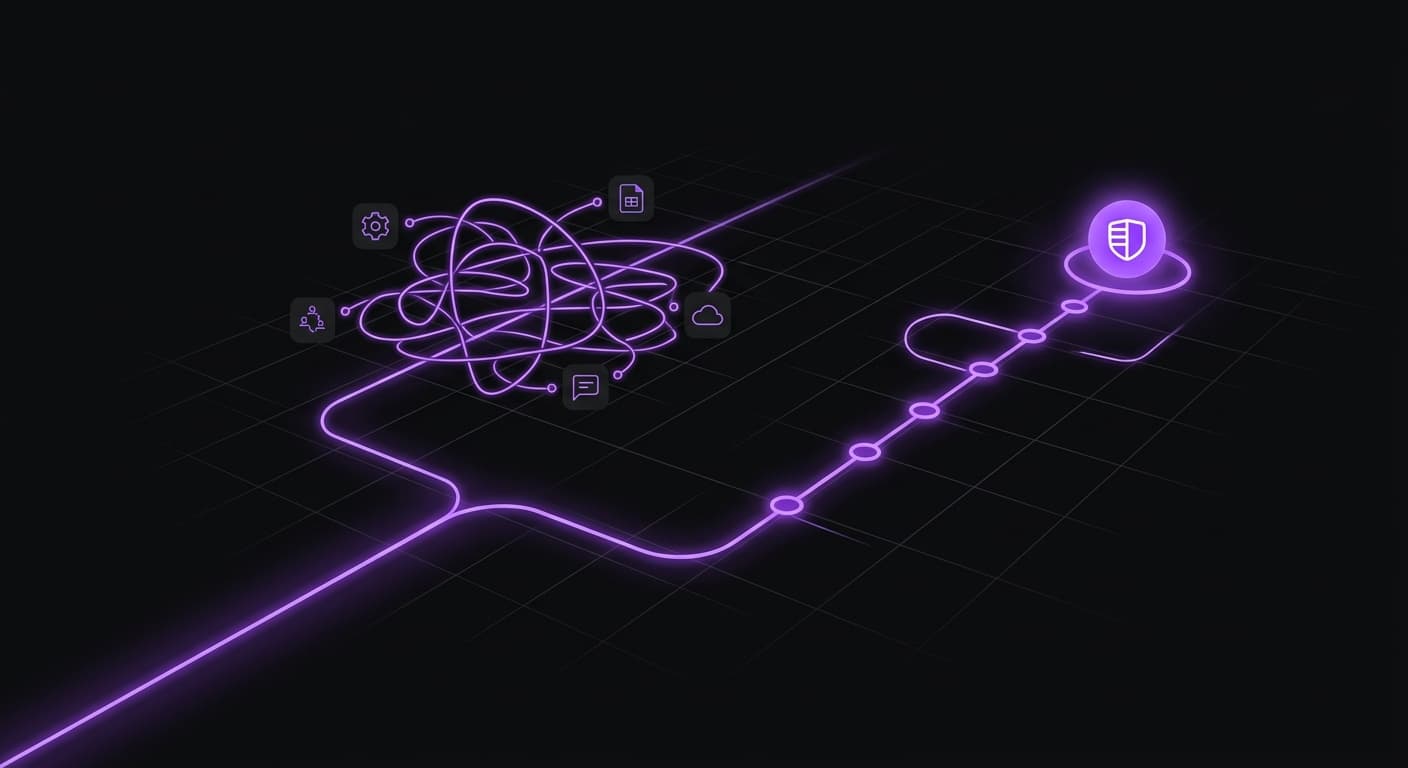
A common failure mode in DIY projects is tool sprawl and “integration spaghetti,” where only one person understands how everything fits together.[3]
Done-for-you exists to prevent that outcome.
Done-for-You AI vs DIY Automation: A Practical Comparison
Here is the simplest way to think about it.
DIY automation is a fit when
- Your workflow is straightforward and rarely changes
- You have one clear owner who can maintain it (and that person is not already overloaded)
- The cost of a failure is low (it is annoying, not revenue-threatening)
- You want to learn by doing and can tolerate some trial and error
Done-for-you AI is a fit when
- You need reliability (missed follow-ups cost you money)
- You have multiple tools and handoffs (CRM, inbox, calendar, billing, forms)
- Your workflow has edge cases (reschedules, multiple services, approvals)
- You want speed without hiring and managing a specialist
An automation provider summarizes the choice as “where does your time produce the highest return,” not “can you build it.”[4]
What This Looks Like in Practice (3 Common SMB Examples)
These are three workflows where DIY can work at first, then starts to break under real-world conditions.
1) Lead intake and follow-up (service businesses)
DIY approach: You connect your website form to your CRM, then trigger a sequence of emails and texts. It works, but it starts to drift when you add multiple lead sources, different service lines, or staff assignment rules.
Common breakpoints are duplicates, leads that reply in unexpected ways, and handoffs that do not happen cleanly.
Done-for-you approach: An agent captures the lead, enriches it, routes it correctly, follows up until the lead books or declines, and alerts your team only when a human needs to step in.
Instead of your team babysitting the system, the system babysits the workflow.
2) Appointment reminders and rescheduling (medical, dental, local services)
DIY approach: You set reminders. You still deal with reschedules, cancellations, and exceptions that fall through.
If a message fails or a calendar update does not apply, you often learn after the fact.
Done-for-you approach: An agent confirms appointments, handles reschedule requests, and updates your calendar system so your team is not stuck playing phone tag.
The goal is not just fewer no-shows. It is fewer “surprise gaps” in the schedule.
3) Invoicing and collections (cashflow-sensitive businesses)
DIY approach: You automate invoice creation, then realize you still need logic for partial payments, disputes, and follow-ups.
Most of the work is not sending the invoice. It is getting the invoice paid on time.
Done-for-you approach: An agent sends invoices, tracks status, follows up on late payments, and escalates edge cases with the context your team needs.
💡 If you do DIY automation, do not skip the basics: one owner, visible failure alerts, validation, and a manual fallback. That is the difference between “automation” and “silent failure.”[1]
What to Look for in an AI Agent Service
If you are paying for done-for-you, you should get more than a one-time setup.
Use these criteria to vet any service.
- Workflow-first discovery. They should start by mapping what actually happens in your business, not forcing you into a template.
- Monitoring and accountability. You should not be the first person to find out an automation failed.
- Clear handling of edge cases. Ask how they deal with reschedules, duplicates, exceptions, and approvals.
- Ongoing iteration. Your business changes monthly. Your automation should too.
- Tool-cost transparency. Usage-based tools can get expensive as volume grows, so you want a clear plan for cost control.
Final Thoughts
DIY automation can be a smart starting point. It can also turn into a second job if you become the default owner of every workflow.
If your automations touch revenue, reputation, or client experience, done-for-you AI can be the simpler option because you are paying for speed and reliability, not just software.
GoAgents is a done-for-you AI agent service for US small businesses. We design, deploy, and improve agents for one flat monthly fee, with no contract.