12 AI Agent Tasks Service Businesses Can Automate (No Tech Team)
Learn which tasks AI agents can automate for your service business—calls, scheduling, follow-ups, and payment reminders—so you save time without hiring.
12 AI Agent Tasks Service Businesses Can Automate (No Tech Team)
Most service businesses do not lose time because the work is hard. You lose time because the work repeats: the same calls, the same questions, the same follow-ups, the same reminders.
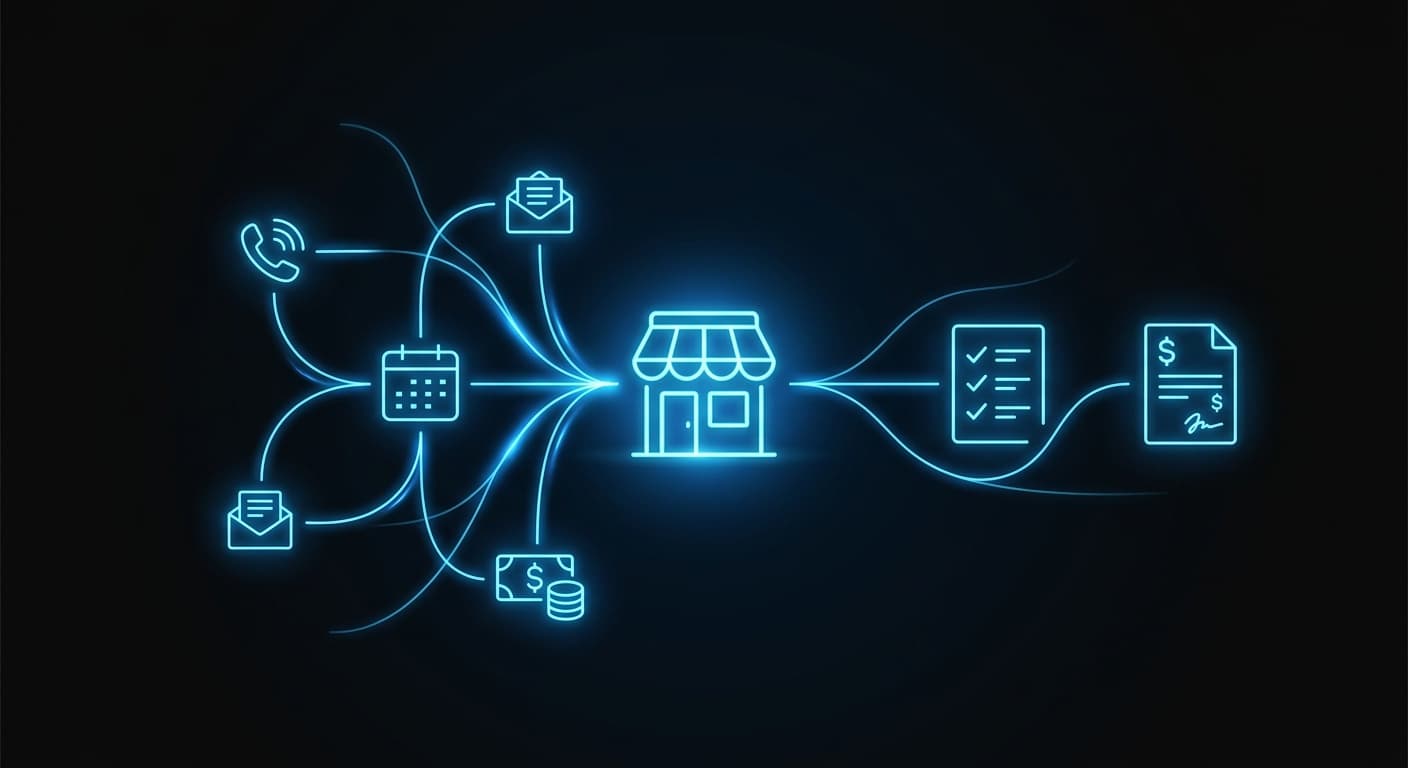
AI agents can automate those repeatable tasks without replacing your team. The goal is simple: fewer missed opportunities, fewer admin hours, and faster response times.
The real question: what can an AI agent do reliably?
A useful way to think about it is this: if the task has a clear trigger, a repeatable set of steps, and a clear “done” outcome, an AI agent can usually handle it.
If the task requires judgment, negotiation, or high-stakes decisions, an AI agent should support your team, not replace them.
Here are the tasks that tend to work best for service businesses.
1) Answer inbound calls and capture the right details
If you run a service business, you already know what happens when you miss calls: you miss jobs.
An AI phone agent can:
- Answer every call, even after hours
- Ask a short set of questions to figure out what the caller needs
- Capture name, contact info, and the reason for the call
- Route urgent calls to a human, and log everything else
This is one of the highest ROI automations because it protects the leads you already paid for.
2) Book, reschedule, and confirm appointments
Scheduling is not “one task.” It is a chain of back-and-forth.
An AI agent can handle the whole flow:
- Offer available time slots
- Confirm the appointment
- Send the confirmation by text or email
- Handle reschedules and cancellations
- Push updates into your calendar
This works especially well for businesses that rely on the phone and have frequent scheduling changes.
3) Send appointment reminders to reduce no-shows
Reminders are easy to understand, but hard to do consistently when the day gets busy.
An AI agent can:
- Send reminders at the right cadence (for example, 48 hours and 2 hours before)
- Include prep instructions, directions, or what to bring
- Handle “Can I move this?” replies automatically
If no-shows hurt your calendar, this is a straightforward automation to start with.
4) Respond to new leads in minutes, not hours
Speed wins.
An AI agent can:
- Reply instantly to web form submissions
- Text missed-call leads back right away
- Ask qualifying questions
- Book the next step
- Notify your team when the lead is high intent
If you have ever found a lead from yesterday and thought “we would have won that if we responded faster,” this is the fix.
5) Follow up when a lead goes quiet
Most service businesses do not lose deals because they had a bad offer. They lose deals because follow-up stops.
An AI agent can:
- Send a simple follow-up sequence
- Personalize the message based on the service requested
- Stop automatically when the lead replies or books
- Escalate to a human when the lead has a real question
This keeps your pipeline moving without turning your team into full-time chasers.
6) Answer common questions on your website (24/7)
A lot of inbound messages are predictable:
- Pricing ranges
- Hours
- Service area
- “Do you take insurance?”
- “Do you handle emergencies?”
An AI website agent can answer these instantly, then capture the lead if they want to book.
The benefit is not just convenience. It is fewer interruptions for your team during peak hours.
7) Collect client intake information and documents
Intake is where service businesses leak time.
An AI agent can:
- Send an intake link after the first contact
- Ask the right questions for the job or case type
- Request documents or photos
- Organize submissions into the correct folder
- Flag missing items and follow up
This is a strong fit for professional services where “getting the details” is half the work.
8) Route and prioritize requests so the right person sees them
Many small businesses run on a shared inbox, a phone, and someone’s memory.
An AI agent can:
- Categorize inbound requests (new lead, existing customer, billing, urgent)
- Tag priority based on keywords and rules you set
- Assign the request to the right person
- Create a task so nothing disappears
This is how you stop dropping balls without adding meetings.
9) Create estimates and proposals from a standard template
If you already use a consistent estimate template, an AI agent can help you move faster.
Typical automation:
- Pull details from the intake form
- Generate a draft estimate using your template and rules
- Send it to your team for quick approval
- Deliver it to the customer with a clear next step
You stay in control. The agent does the first draft work.
10) Send invoice reminders and collect payment intent
Getting paid is a process, not a single email.
An AI agent can:
- Send reminders when invoices are due or overdue
- Respond to “I forgot” or “Can you resend?”
- Offer a payment link
- Log outcomes so your team knows who needs a human follow-up
This can reduce awkwardness because the reminders stay consistent and professional.
💡 In a 2025 QuickBooks survey, 56% of small businesses reported being owed money from unpaid invoices, averaging $17.5K per business.
11) Summarize calls, messages, and job notes into a clean record
After a busy day, the last thing you want is admin.
An AI agent can:
- Summarize call transcripts into short notes
- Turn chat conversations into a “what happened / next step” record
- Update your CRM or job management tool
- Create a follow-up task automatically
This keeps your data usable without forcing your team to become great note-takers.
12) Produce weekly “owner reports” so you stop flying blind
Most owners do not need a 20-tab dashboard. You need a simple weekly snapshot:
- New leads
- Booked jobs
- No-shows
- Overdue invoices
- Open customer issues
An AI agent can pull data from the tools you already use and send a plain-language summary every week.
How AI agents solve this (without making your business complicated)
Here is the practical model that works for service businesses:
- You pick 1 to 2 workflows that hurt the most.
- The agent connects to your existing tools (phone system, calendar, CRM, inbox, payment links).
- We add guardrails so the agent knows when to escalate to your team.
- You iterate monthly based on real conversations and real edge cases.
That last part is the difference between a demo and something you trust.
What this looks like in practice
Example 1: Home services (plumbing, HVAC, pest control)
- AI agent answers missed calls and texts back within 60 seconds.
- It qualifies the job (“What is happening?” “Is there active water?” “What is the address?”).
- It books the earliest available slot or escalates emergencies.
- It sends a reminder and a “tech on the way” message.
Example 2: Law firms and other professional services
- AI agent captures lead details after hours.
- It asks intake questions based on practice area.
- It schedules consultations and sends the checklist of documents.
- It follows up if the prospect does not complete intake.
Example 3: Medical and dental clinics
- AI agent handles appointment booking and rescheduling.
- It sends reminders and prep instructions.
- It answers common front-desk questions.
- It routes billing questions to the right staff member with the full context.
What to look for in an AI agent service
Plenty of tools can do a one-time setup. What you need is something that keeps working.
Use these criteria when you evaluate options:
- Clear scope: The agent should handle specific workflows, not “everything.”
- Human handoff: It must know when to route to a person.
- Fast response: The whole point is speed on calls and leads.
- Integration-first: It should fit into the tools you already use.
- Ongoing iteration: Your business changes. The agent needs updates, not a one-time build.
Final thoughts
AI agents can automate a lot for a service business, but the best wins are not flashy.
They are the boring tasks you do every day: answering, scheduling, following up, collecting info, and reminding people to pay.
If you want help mapping the best first workflow for your business and getting an agent live quickly, GoAgents is built for that. We design, deploy, and improve your agents for a flat $2,000 per month.